Changelogs
Stay up to date with the latest changes and enhancements.
Stay up to date with the latest changes and enhancements.

19. Nov 2025
Share
We’ve completely redesigned how custom metrics work in Oviond—making them easier to build, manage, and reuse across your entire account.
What’s New:
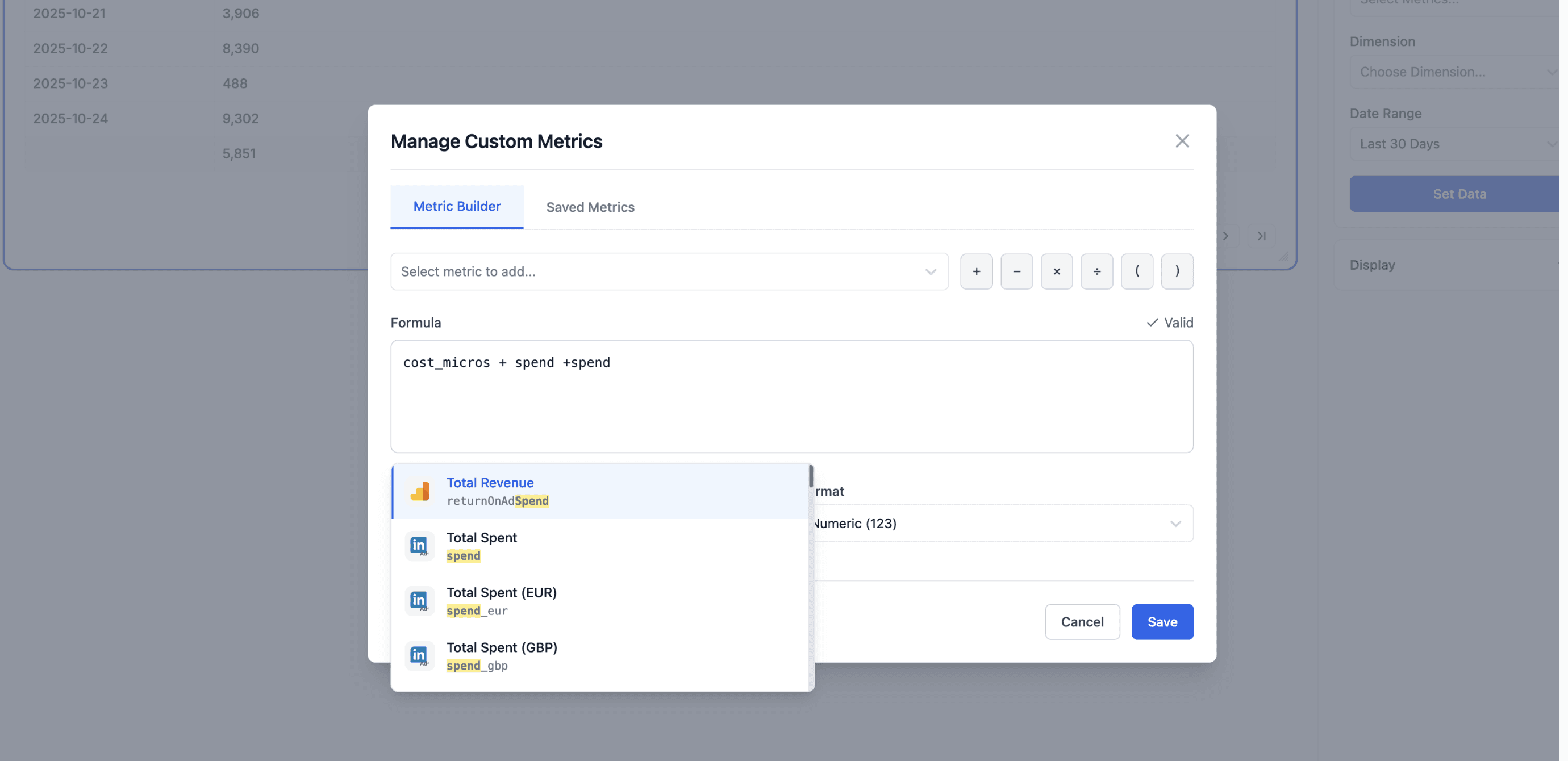
You now manage all custom metrics from a dedicated Manage screen inside the Query Builder. This screen includes:
Builder: Create and validate new metrics.
Saved Metrics: View, edit, duplicate, or delete any metric in your account.
Custom metrics are now account-wide. Create a formula once and use it across:
Any project
Any widget
Any Query Builder instance
No more recreating the same metric for different reports.
The Builder lets you:
Write formulas using fields from any connected integration
Get real-time validation (green highlight = valid)
Name and format your metric (number, currency, %, etc.)
Save it for instant reuse
From the Saved Metrics tab, you can manage all your metrics in one place. Any updates apply across your account automatically.
Once saved, a custom metric appears directly in the Query Builder and is immediately available for use. When added to a data widget, it renders like any standard metric.