Registri delle modifiche
Rimani aggiornato sulle ultime modifiche e miglioramenti.
Rimani aggiornato sulle ultime modifiche e miglioramenti.

19. Nov 2025
Condividere
Managing automations in Oviond just became easier and more scalable. With the new Global Automations update, you now have full visibility and control over every automation across your entire account — from one centralized place.
1. Centralized Automation Navigation
A new “Automations” tab has been added to the main navigation. From here, you can access a complete global view of all automations running across all clients and projects.
2. Full Account-Wide Overview
The global Automations view displays:
Total number of automations
Number of runs and queued items
Average success rate
A complete list of all active automations across the account
3. Create Automations at a Global Level
Automations can now be created directly from the global Automations page. When setting one up, you can:
Name the automation
Assign a client and project
Choose recipients
You can still create automations within individual projects, but this global option adds more flexibility and efficiency.
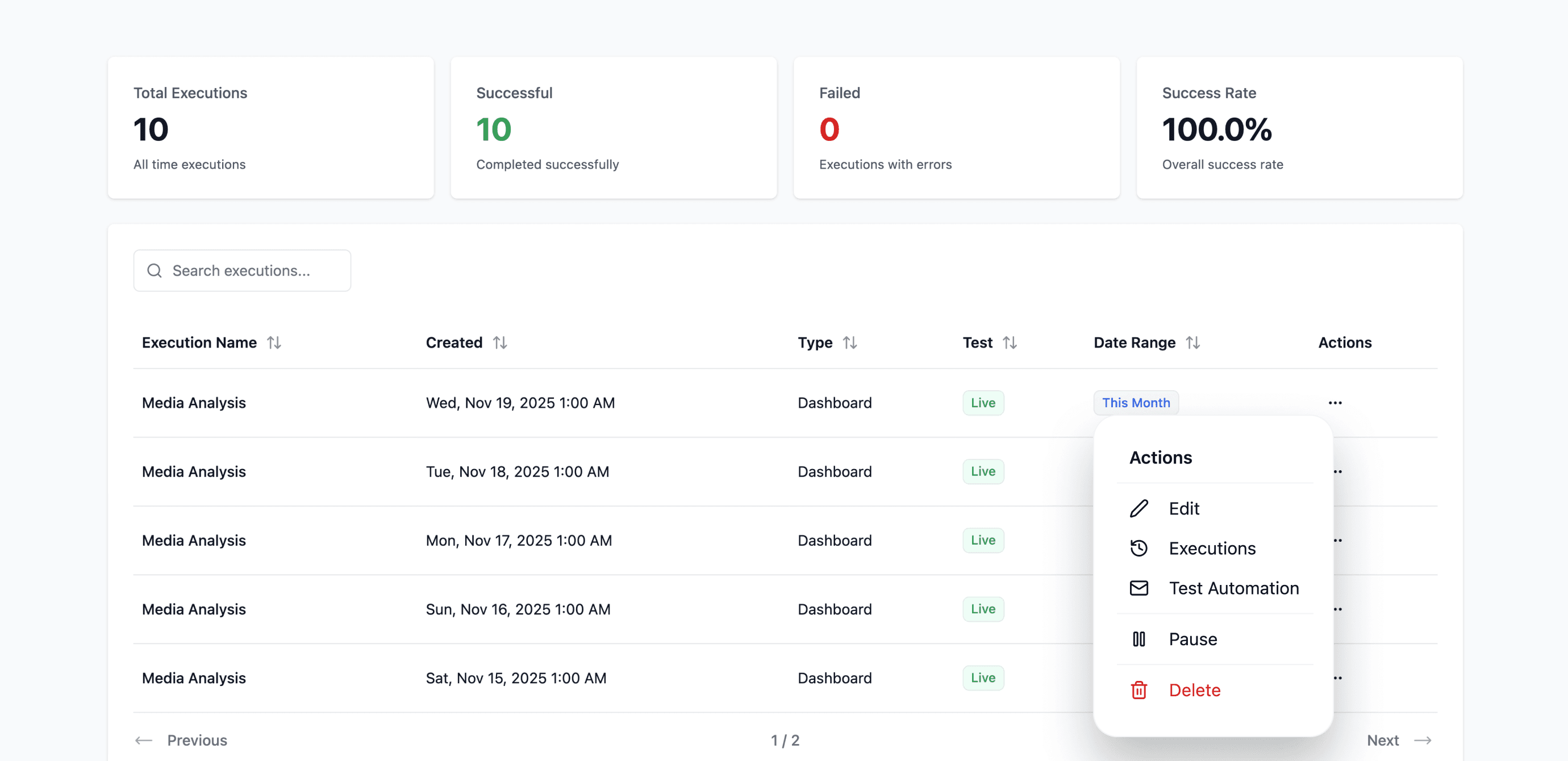
4. Easier Automation Management
From the global view, you can now:
Pause
Edit
Delete automations
Everything is in one place, making it faster and simpler to manage automations at scale.