Wijzigingslogboeken
Blijf op de hoogte van de laatste wijzigingen en verbeteringen.
Blijf op de hoogte van de laatste wijzigingen en verbeteringen.

22. Apr 2024
Delen
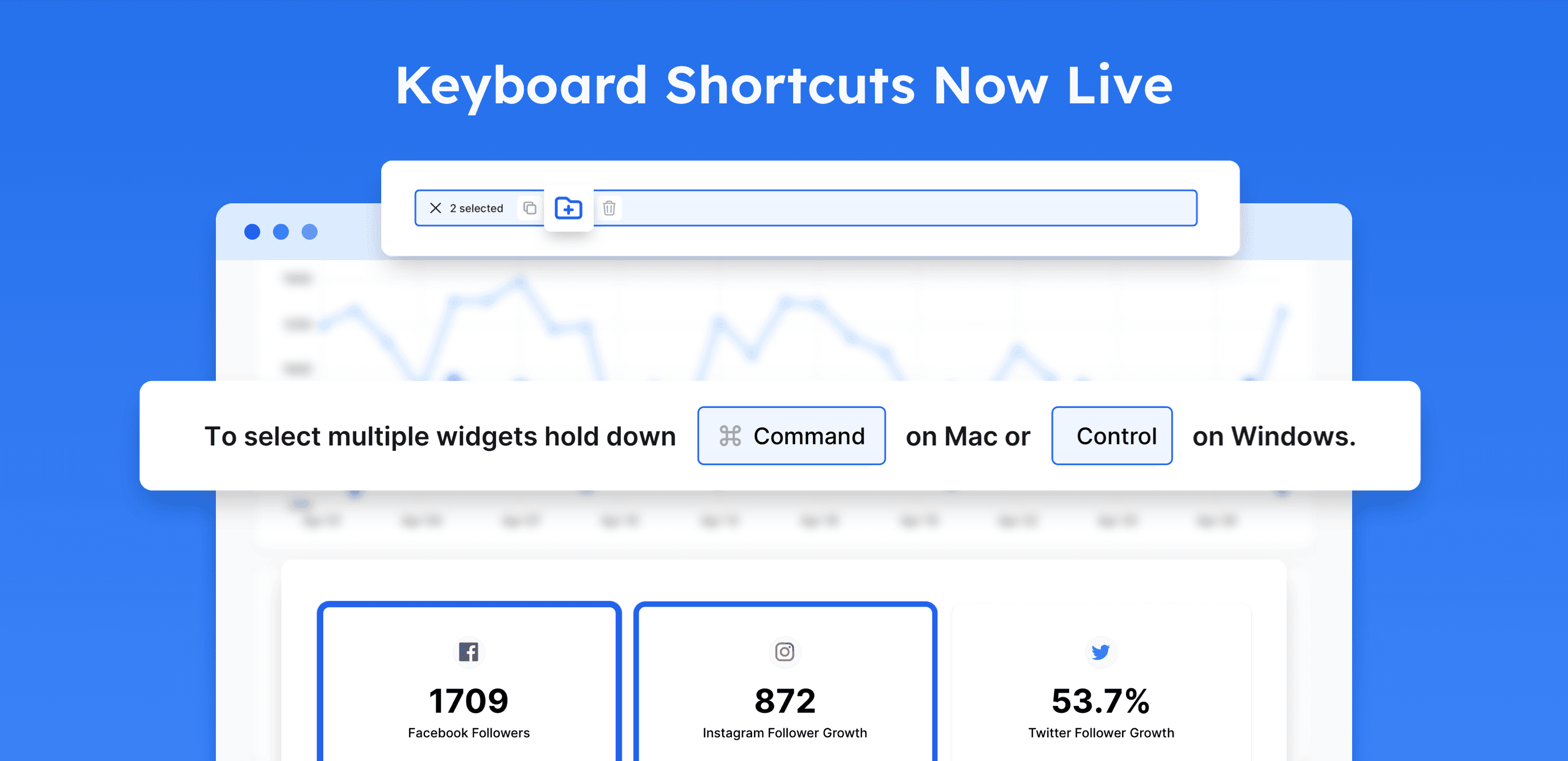
In our ongoing efforts to streamline the project building experience, we are pleased to roll out a new set of keyboard shortcuts for Oviond’s Project Builder. This enhancement brings a suite of intuitive keystrokes to accelerate editing and managing widgets, ensuring a more fluid workflow for both Windows and Mac users
Single widget selection with a click.
Multiple widget selection: 'Ctrl + Click' on Windows, 'Cmd + Click' on Mac.
Save widgets to Asset Library: 'Ctrl + S' (Windows), 'Cmd + S' (Mac).
Duplicate widgets: 'Ctrl + D' (Windows), 'Cmd + D' (Mac).
Delete widgets: 'Ctrl + Backspace' (Windows), 'Cmd + Backspace' (Mac).
Unselect all widgets: 'Esc'.